


Samsung’s next big software update is starting to take shape, and early signs point to a quieter, smarter evolution rather than a flashy overhaul. Leaks surrounding One UI 9 suggest a focused effort to simplify the experience, reduce clutter, and make everyday interactions feel smoother.
Built on Android 17, the update is expected to arrive around July, likely alongside Samsung’s upcoming foldable devices. While nothing is official yet, the direction is becoming clear. Samsung appears to be refining, not reinventing.
A Cleaner Direction Takes Shape
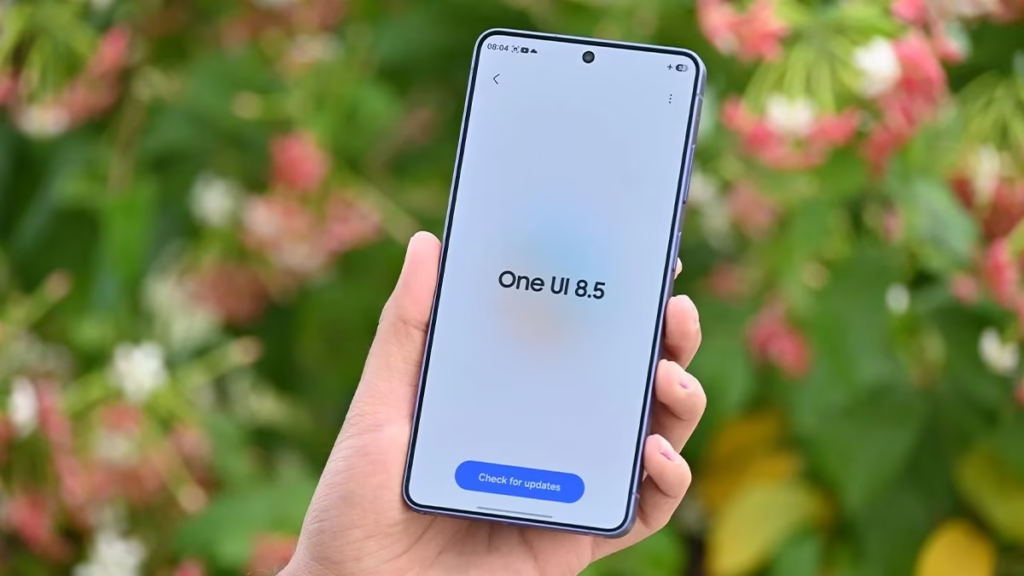
At the core of these changes is a simple idea. Less noise, more clarity.
Samsung is reportedly reworking several key areas of the interface to feel lighter and easier to navigate. Instead of overwhelming users with visual elements, the company is trimming unnecessary design components and prioritizing useful information.
The result, at least based on early leaks, is a more focused and readable interface that feels modern without trying too hard.
About Phone Section Gets a Smart Makeover
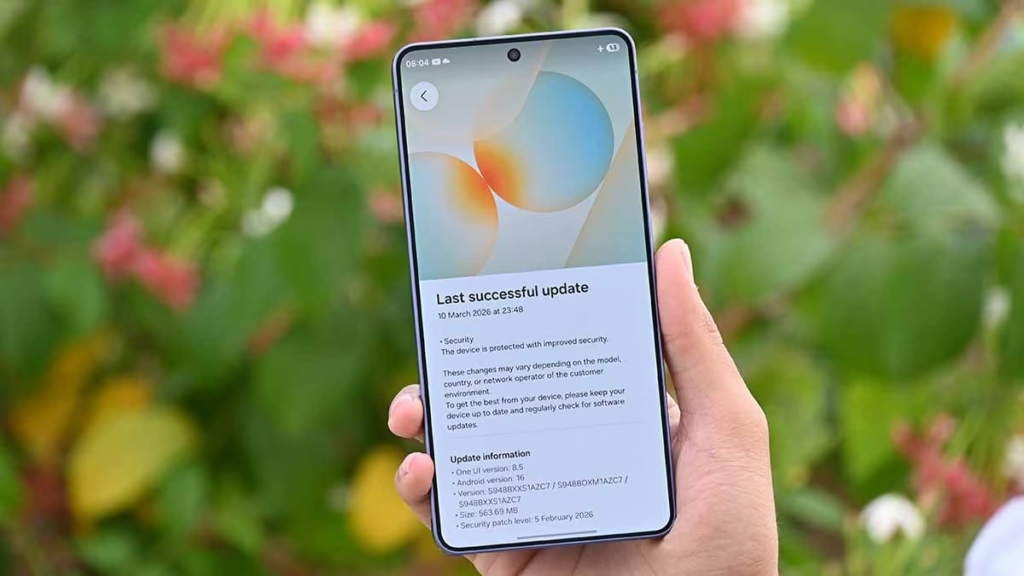
One of the most noticeable tweaks appears in the “About phone” section.
Previously, Samsung used a large device image that took up valuable screen space. However, according to a leak shared by SammyGuru, that image is now being scaled down into a small icon placed neatly in the top-left corner.
This shift frees up room for important details like the model name and serial number, which now sit right beside the icon. Meanwhile, additional information such as IMEI numbers is pushed slightly lower, creating a cleaner visual hierarchy.
It may sound like a minor adjustment. Still, in practice, it makes the page feel far less crowded and much easier to scan quickly.
AI-Powered Photo Editing Gets Faster
Samsung is also bringing artificial intelligence deeper into the photo editing experience.
The updated editor introduces “smart suggestion pills” that appear above editing tools. These AI-powered prompts analyze the image in real time and recommend quick adjustments, such as color fixes or removing unwanted objects.
Instead of digging through multiple menus, users can now apply improvements with a single tap. It is a small but meaningful shift that saves time and simplifies the editing process.
Settings Search Feels More Alive
Even something as routine as searching through Settings is getting attention.
Samsung is reportedly adding new “elastic” animations to the search bar. When users interact with it, the bar expands and contracts with a smooth, flexible motion, similar to the fluid behavior seen in stock Android.
This change does not just look better. It makes the interface feel more responsive and less rigid, which subtly improves the overall experience.
Still Early, But Direction Is Clear
Of course, these features are based on early leaks, and things can change before the official release. Some elements may look different in the final version, especially once beta testing begins.
However, the bigger picture is already visible. Samsung is moving toward a cleaner, more refined interface by removing unnecessary elements and focusing on usability.
That raises an interesting question. In a world where software updates often add complexity, could simplicity be the real upgrade?